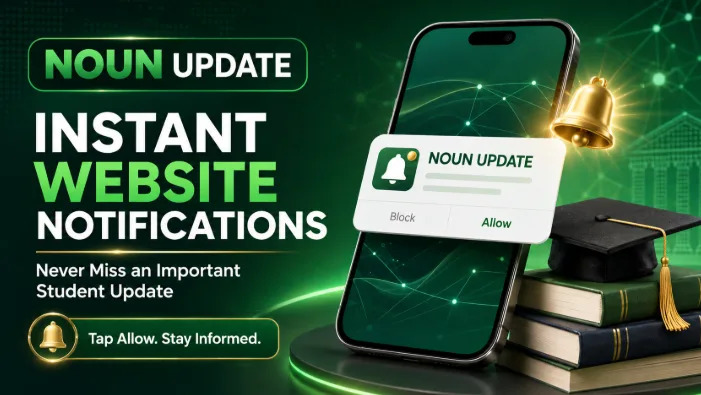
NOUN Update has introduced instant browser notifications to help prospective students, current students and graduates receive important information more quickly.
With this new feature, visitors can subscribe to receive notifications whenever a new post is published on the NOUN Update website.
The notifications may cover:
• Important NOUN news and academic announcements
• TMA, examination and registration updates
• Scholarship, internship and career opportunities
• Newly published student guides
• Course materials and study resources
• New NOUN Update tools and services
How to activate NOUN Update notifications:
Visit https://nounupdate.com using Chrome, Edge, Firefox or another supported browser.
Click the notification bell displayed on the website.
Select “Allow” when your browser asks whether nounupdate.com can send notifications.
Keep notifications enabled for NOUN Update in your browser or device settings.
After subscribing, you may receive an instant alert whenever an important new post is published. Clicking the notification will take you directly to the full information on the NOUN Update website.
Please note that notifications must be enabled separately on each browser or device you use. They may not work in private or incognito browsing mode.
This development is part of NOUN Update’s continuing effort to make useful information, academic resources and student opportunities easier to access.
Visit NOUN Update, enable notifications and stay informed throughout your NOUN journey.